Free Windows Utilities & Password Recovery Tools
SterJo Software provides free Windows utilities including password recovery tools like Key Finder and Browser Password Recovery software, along with Wi-Fi key generators, ad blockers, and system security tools. All our lightweight and easy-to-use applications are designed for personal and professional use on Windows PCs.
📂 Browse by Category
🔐 Password Recovery Tools
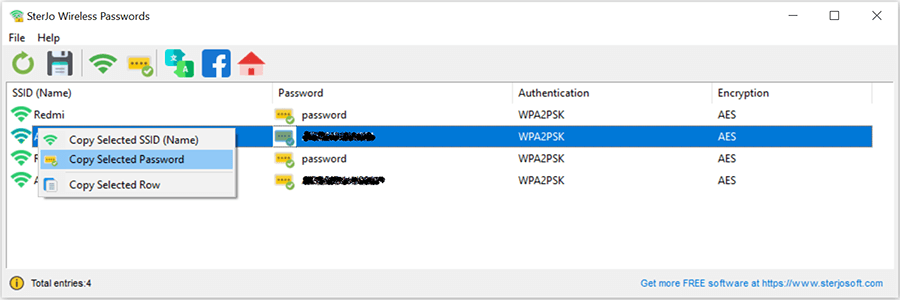
SterJo Wireless Passwords
Recover saved Wi-Fi passwords on Windows 11, 10, 8, and 7 effortlessly with this Wi-Fi password finder. No router reset required – view all wireless network keys stored on your PC.
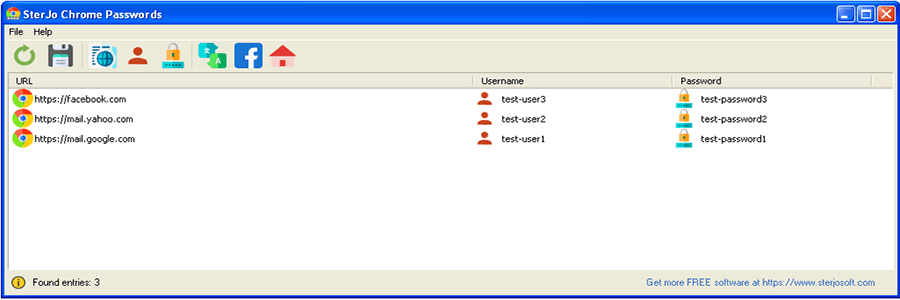
SterJo Chrome Passwords
View and recover all passwords stored in Google Chrome password manager instantly. Export saved Chrome login credentials securely with this free browser password recovery tool.
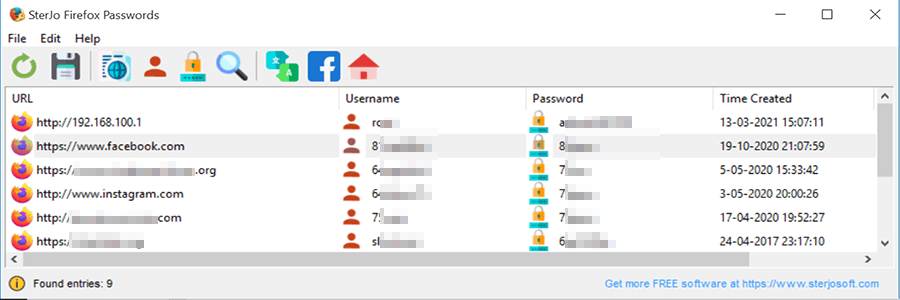
SterJo Firefox Passwords
Recover forgotten Mozilla Firefox saved passwords easily with this secure Firefox password recovery tool. View and backup all Firefox login credentials.
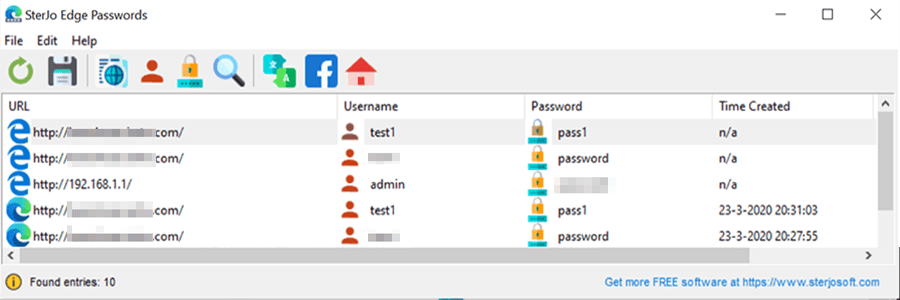
SterJo Edge Passwords
Retrieve saved usernames and passwords from Microsoft Edge browser with this free Edge password recovery tool. View and export Edge credentials securely.
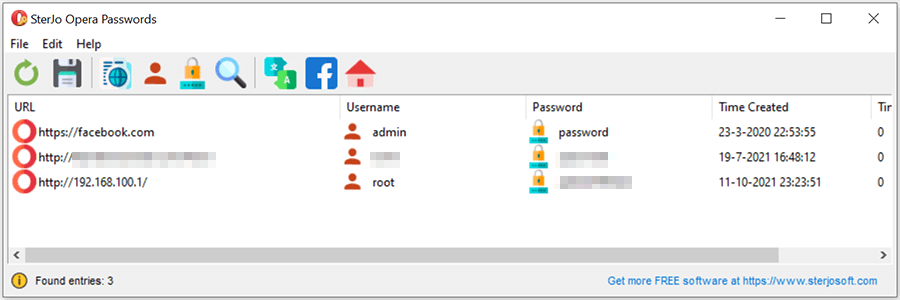
SterJo Opera Passwords
Recover forgotten Opera browser passwords quickly and securely. This Opera password recovery tool reveals all saved login credentials stored in Opera.
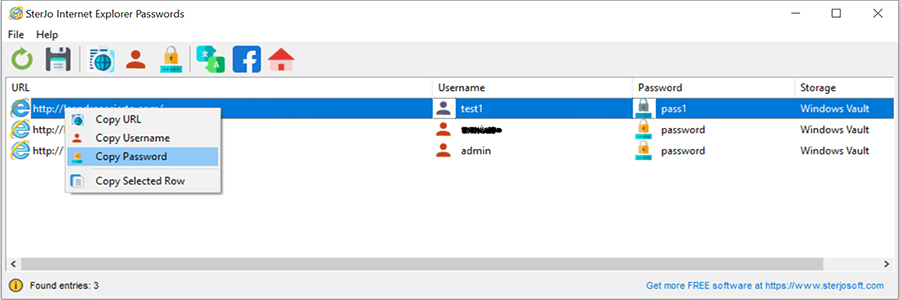
SterJo Internet Explorer Passwords
Recover forgotten credentials stored by Microsoft Internet Explorer in seconds. Free IE password recovery tool for Windows.
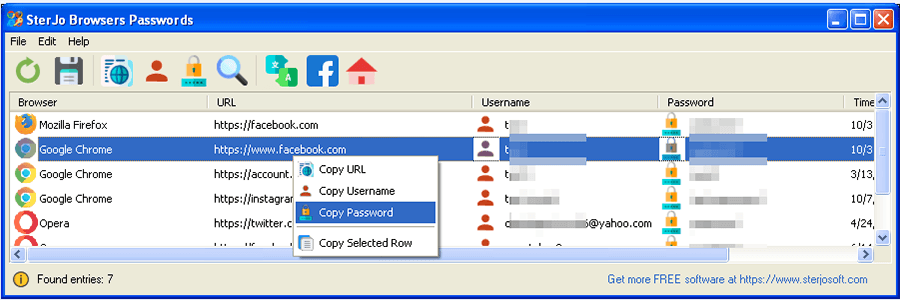
SterJo Browser Passwords
All-in-one browser password recovery tool for Chrome, Firefox, Edge, IE, and Opera. Recover forgotten login credentials from any major browser.
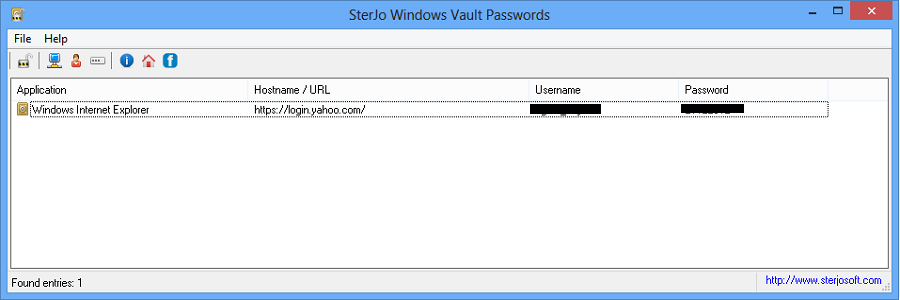
SterJo Windows Vault Passwords
Reveal all saved credentials stored in Windows Vault securely. Access Windows Vault passwords for backup and recovery.
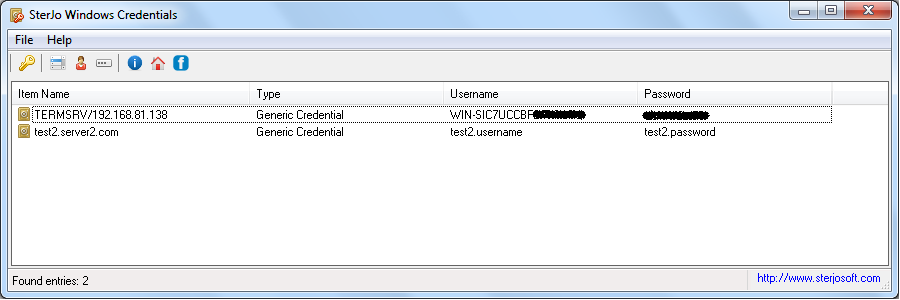
SterJo Windows Credentials
Recover login credentials from Windows Credential Manager securely and easily. Access Remote Desktop, network shares, and stored Windows passwords.
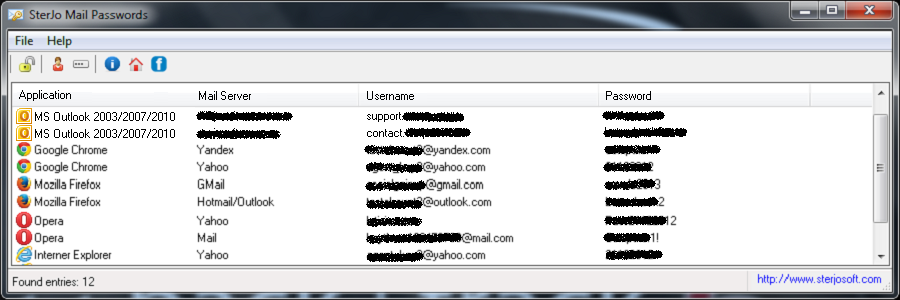
SterJo Mail Passwords
Recover forgotten email passwords for Gmail, Yahoo, Hotmail, Outlook and other email services. This email password recovery tool retrieves credentials stored on your PC.
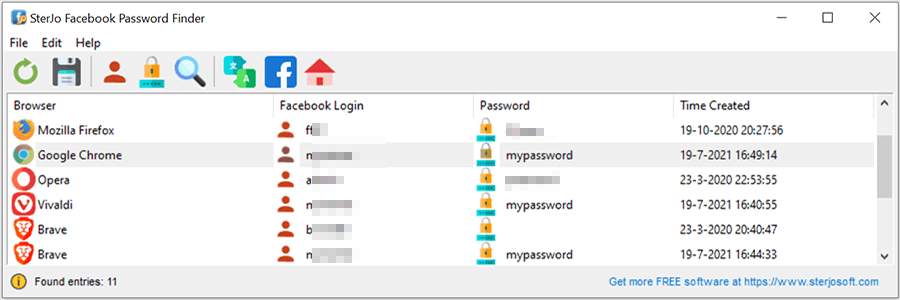
SterJo Facebook Password Finder
Recover forgotten Facebook login credentials stored by web browsers safely. Free Facebook password recovery tool for Windows.
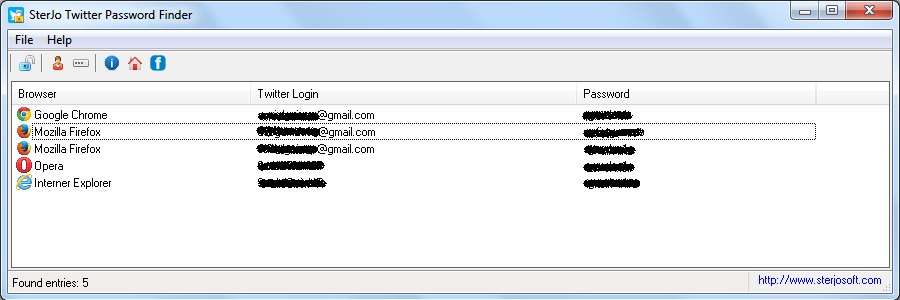
SterJo Twitter Password Finder
Retrieve forgotten Twitter passwords saved in browsers quickly and securely with this free Twitter password recovery tool.
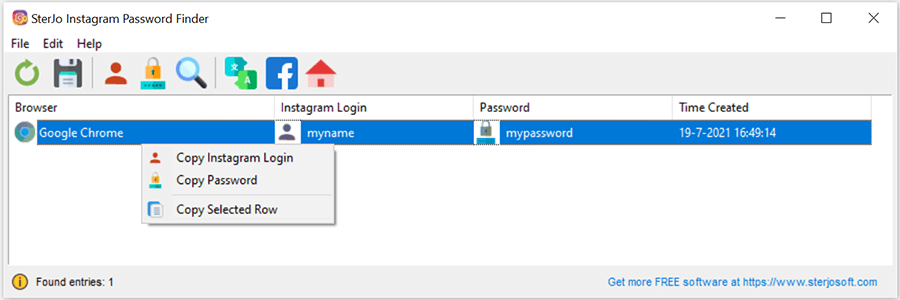
SterJo Instagram Password Finder
Instantly recover forgotten Instagram credentials saved in Chrome, Firefox, Edge, and Opera. Free Instagram password recovery tool.
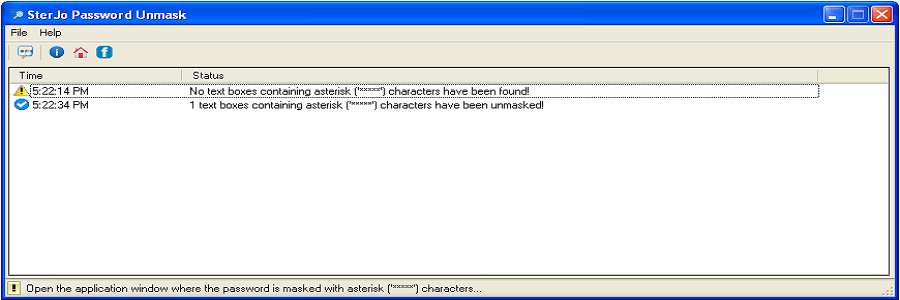
SterJo Password Unmask
Reveal hidden password characters behind asterisks (*****) in password fields on most Windows applications and web browsers.
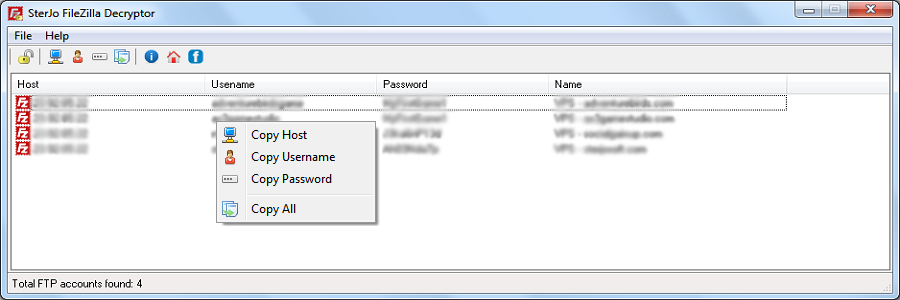
SterJo FileZilla Decryptor
Recover and decrypt forgotten FTP passwords stored in FileZilla Client for all your FTP accounts. Free FTP password recovery tool.
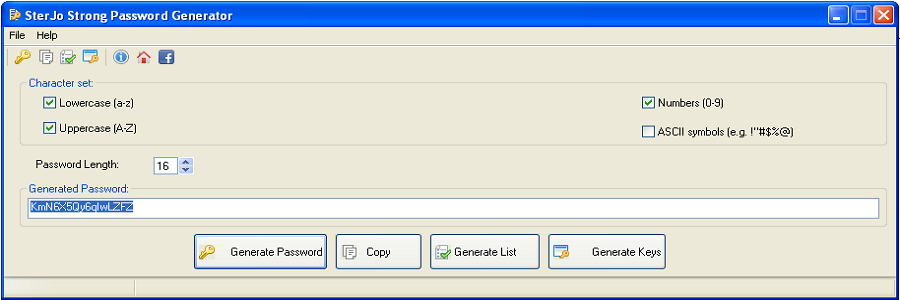
SterJo Strong Password Generator
Generate secure, random passwords based on customizable criteria including length, characters, and complexity. Free password generator for Windows.
⚙️ System Utilities
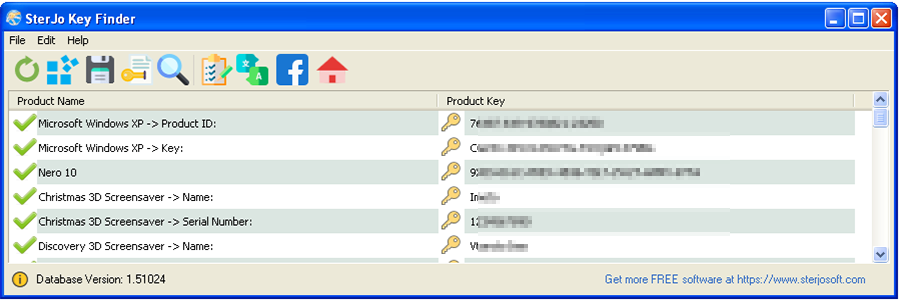
SterJo Key Finder
Recover lost Windows 11, 10, 8, 7 and Microsoft Office product keys instantly with this free product key finder tool. Quickly retrieve activation keys for 10,000+ software applications.
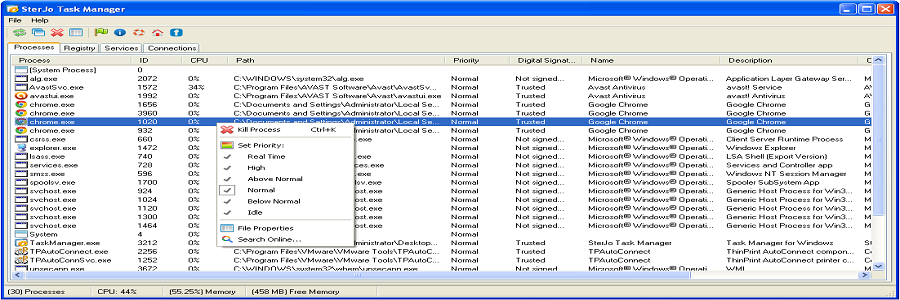
SterJo Task Manager
Advanced Windows Task Manager alternative to view and control running processes, services, and registry entries. Monitor system performance and terminate stubborn applications.
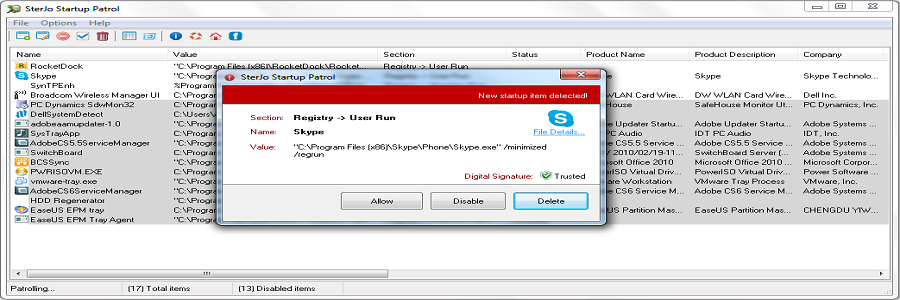
SterJo Startup Patrol
Manage Windows startup programs to improve boot speed and system performance. Remove unwanted applications that slow down your computer at startup.
🌐 Network & Wi-Fi Tools
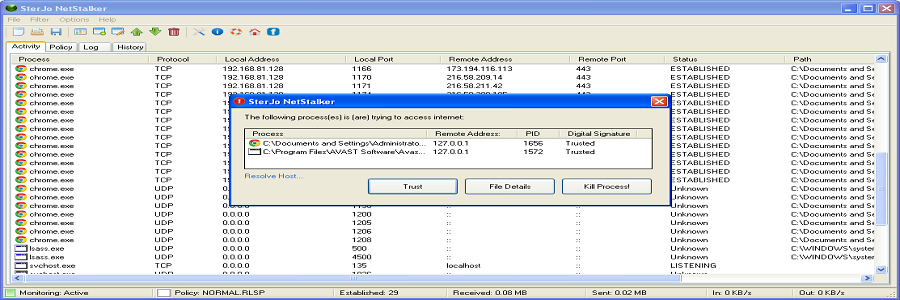
SterJo NetStalker
Monitor all incoming and outgoing network connections to your PC in real-time. This network security tool alerts you to unauthorized access and suspicious activity.
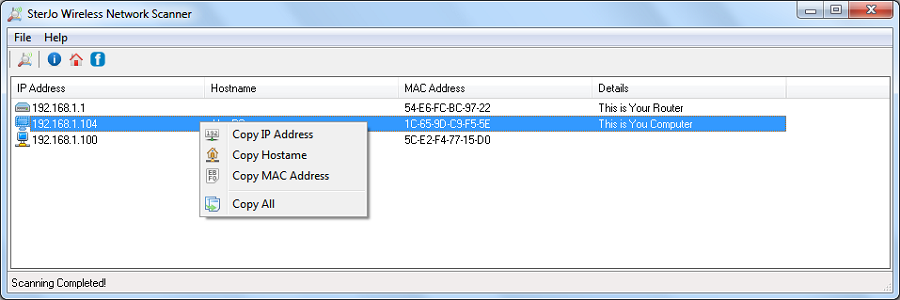
SterJo Wireless Network Scanner
Scan your Wi-Fi network to detect all connected devices quickly. This wireless network scanner identifies unauthorized users on your network.
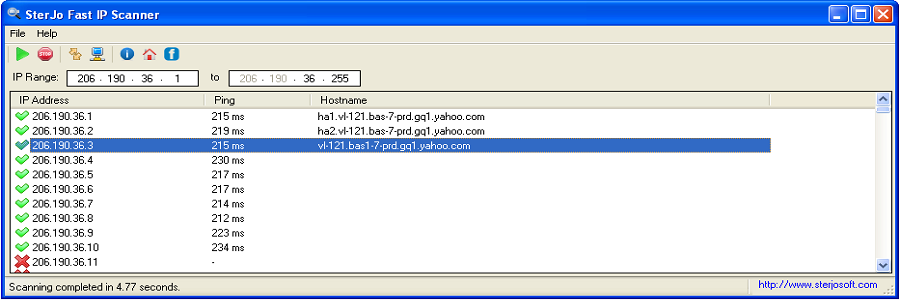
SterJo Fast IP Scanner
Scan over 1000 IP addresses in seconds with this fast IP scanner for network diagnostics. Identify active hosts and open ports on your network.
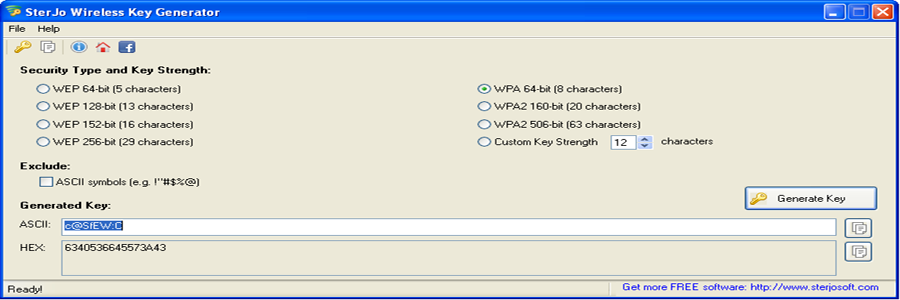
SterJo Wireless Key Generator
Generate strong WEP, WPA, or WPA2 keys for your wireless network safely. This Wi-Fi key generator creates secure passwords to protect your network.
🚫 Ad Blockers
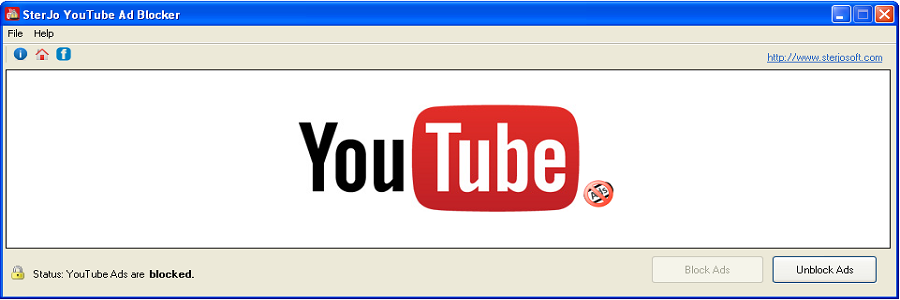
SterJo YouTube Ad Blocker
Block overlay ads and video commercials on YouTube with a single click. This YouTube ad blocker provides uninterrupted video streaming.

SterJo Google Ad Blocker
Disable Google ads across all websites for an ad-free browsing experience. This Google ad blocker removes display ads from search results and partner sites.
📦 Other Tools
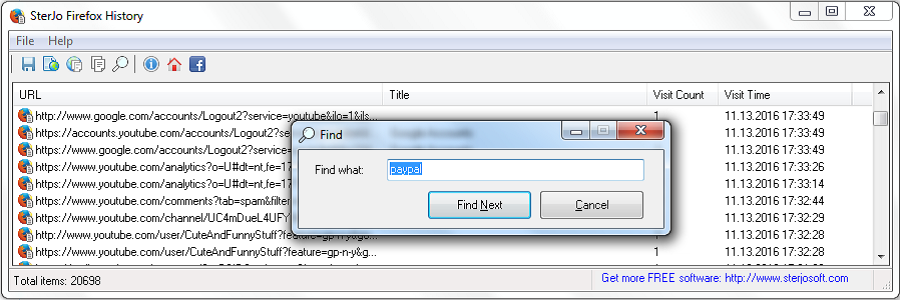
SterJo Firefox History
View complete Firefox browsing history with this intuitive browser history viewer. Monitor and export visited websites from Mozilla Firefox.
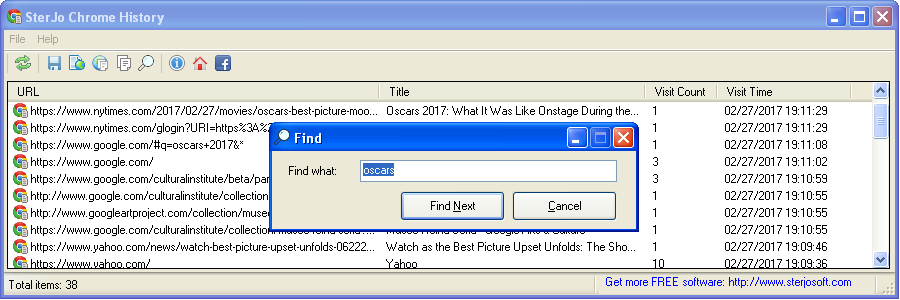
SterJo Chrome History
Monitor and view Google Chrome browsing history efficiently. This Chrome history viewer displays all visited websites with timestamps.
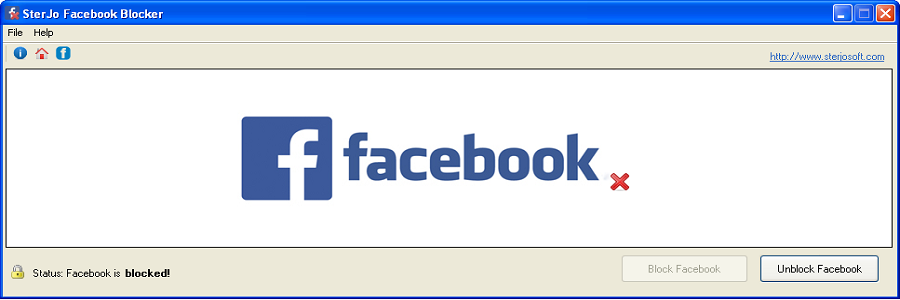
SterJo Facebook Blocker
Block Facebook access during work or study hours with this easy-to-use productivity tool. Restrict social media for children or employees.
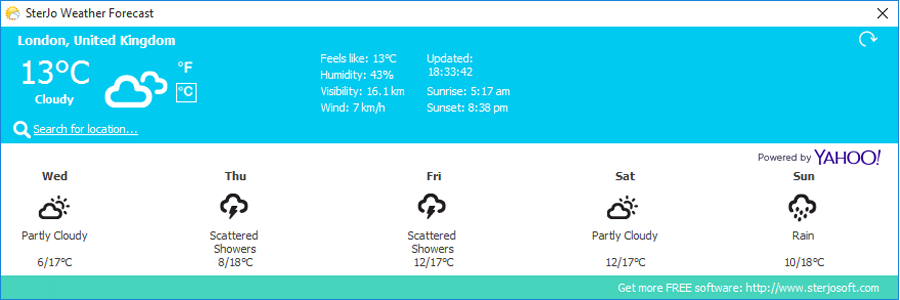
SterJo Weather Forecast
Free Windows weather app providing live temperature, humidity, wind speed and 5-day forecasts. Desktop weather tool with real-time updates.
Frequently Asked Questions
Are SterJo products free?
Yes, all SterJo utilities are completely free to download and use for personal and professional purposes. No hidden fees or paid upgrades.
Which Windows versions are supported?
All SterJo tools support Windows 11, Windows 10, Windows 8, Windows 7, Vista, and XP, including both 32-bit and 64-bit versions.
Can multiple SterJo tools run simultaneously?
Yes, all tools are standalone applications and can run independently without conflicts on your Windows PC.
Do SterJo tools modify my files or data?
No, most SterJo utilities are read-only and do not alter any of your files or system settings. They only display existing data.
Visit our FAQ page for more detailed questions and answers.